In short
With a Google Business Profile, you increase your local visibility. In this guide, you will discover step by step how to create, verify, and smartly optimize your profile, so you quickly build trust and become more easily found in Google Search and Google Maps.
Before you start, have this ready
A Google account that fits your business
Preferably use an account that your team can manage later as well, such as a shared mailbox or a business Google account. For more info about business mailboxes, find it via this page, or you can always contact us.
Your basic details
Ensure you have this info correctly on hand, and use it consistently everywhere
, Business name as used offline , Address or service area , Phone number , Website URL , Opening hours
Consistency is important here. If your name, address, or phone number appears differently in various places, it can confuse both customers and Google.
Step 1: Go to the official page and start the setup
Where to start
Go to https://www.google.com/business and click manage or start.
Check if you already exist
Search for your business name. Sometimes a listing is already created based on public sources. In that case, you can claim it.
Tip
If you see multiple results that resemble your business, claim the correct one first and do not immediately create a new one. Duplicate listings can often cause issues.
Step 2: Enter your business name as customers recognize it
Keep it human and correct
Use your real business name, as it appears on your facade, invoices, and website.
Avoid extra keywords
Do not add keywords to your name like, Bakery Janssens, best bakery in Ghent. It may work short-term, but increases the chance of adjustments by Google or even suspension.
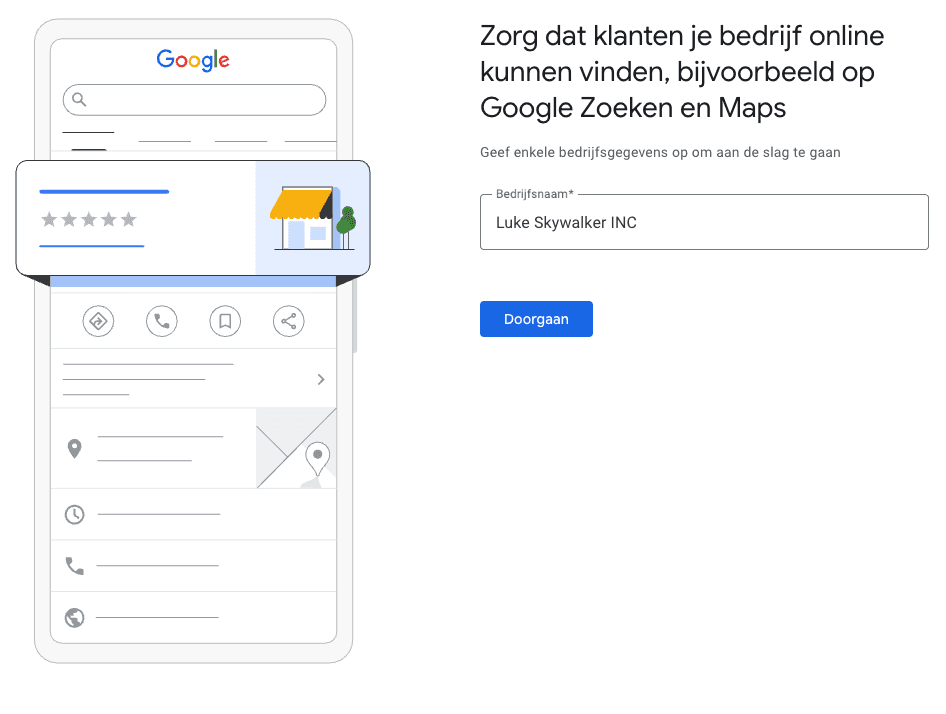
Step 3: Choose your categories wisely
Why this is crucial
Your main category largely determines which searches you will appear for.
How to choose the right one
Choose what you are, not what you sell
, Hair salon instead of Hair products , Accountant instead of Administration , Bicycle shop instead of Bicycles
Extra categories
Add a few relevant extra categories, but keep it realistic. Choose three strong categories rather than ten vague ones.
Tip
Look at competing businesses in your region that perform well, and note which categories they use.
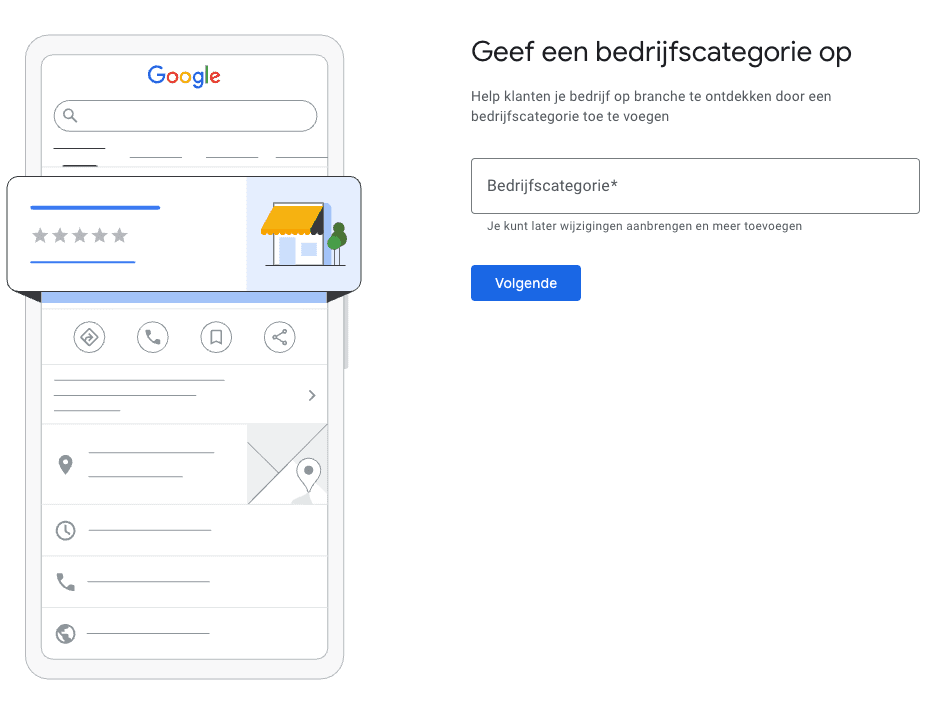
Step 4: Choose, physical location or service area
Physical address
If you have a location where customers visit, add your address.
Service area
If you mostly visit customers at home, you can choose the service area. You can then hide your address and only show your region or cities.
Tip
If you are a service business, show your address only if customers can indeed visit. A hidden address often lowers the barrier for customers and prevents unwanted visitors.
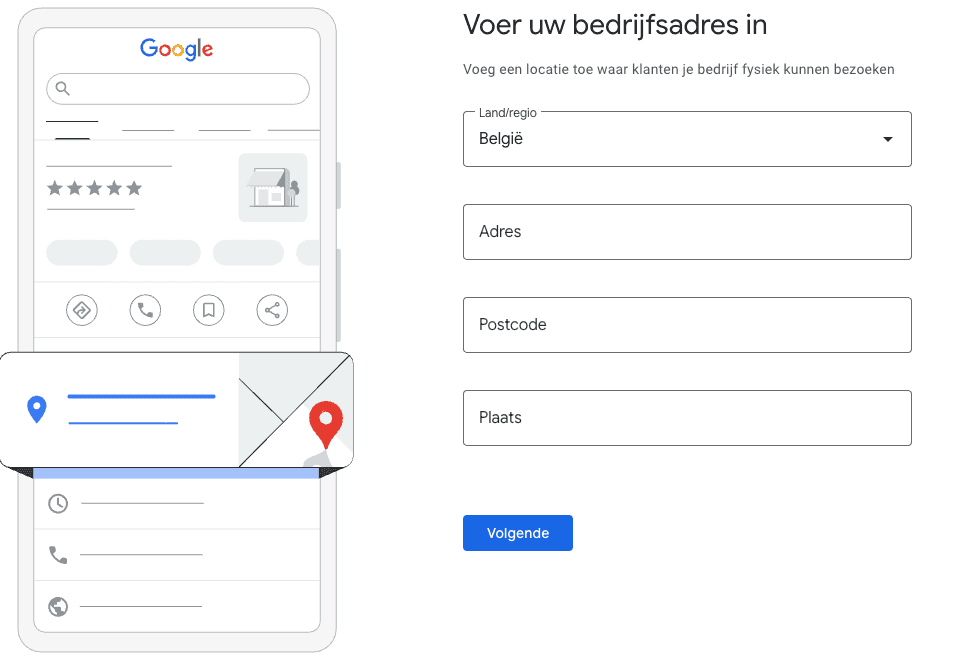
Step 5: Add contact info
Phone
Use a number that you actually answer. Preferably a landline or a professional mobile number rather than a private number.
Website
Link your main page, usually your homepage or a specific contact page.
Tip
If you want to measure how many people click through from Google, use a URL with UTM parameters. This way, you can see in Google Analytics how much traffic comes from your profile.
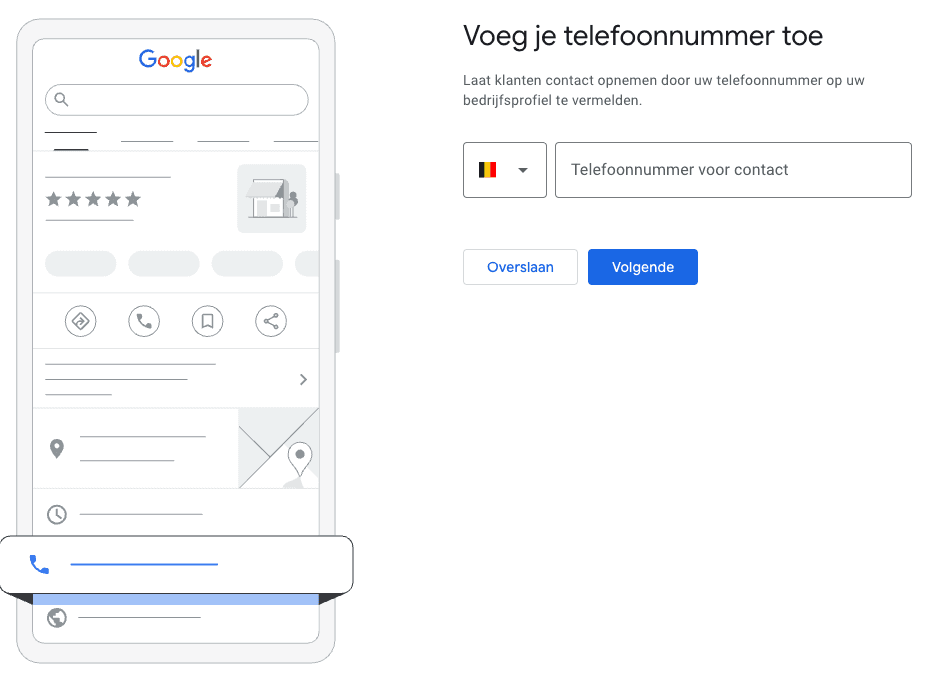
Step 6: Verify your business
Why verification is needed
Google wants to ensure you are the real owner before granting full control.
Verification methods
Depending on your business type, Google can offer
, Postcard with code , Phone or SMS , Email , Video verification
More info about verification can be found here, https://support.google.com/business/answer/7107242.
Tip
Do not change important details like name or category just before or during your verification. That can delay the process.
Step 7: Complete your profile fully
Opening hours and special hours
Enter your standard hours, and add special hours for holidays. Many people lose trust if they find a closed door.
Business description
Write a short, clear text. Explain what you do, for whom, and what characterizes your approach. Use words that customers would also use themselves, but keep it natural.
Services and products
Add your main services with short descriptions. In some sectors, you can also add products.
Attributes
Think of wheelchair accessibility, online appointments, delivery, parking, payment methods. This helps customers choose faster.
Step 8: Photos that inspire confidence
Minimum recommended set
, Logo , Cover photo , Inside or workplace , Team or yourself , Results, projects, or products
Tips for better photos
, Use real photos, not stock , Ensure good lighting and a calm background , Regularly post new photos to keep your profile lively
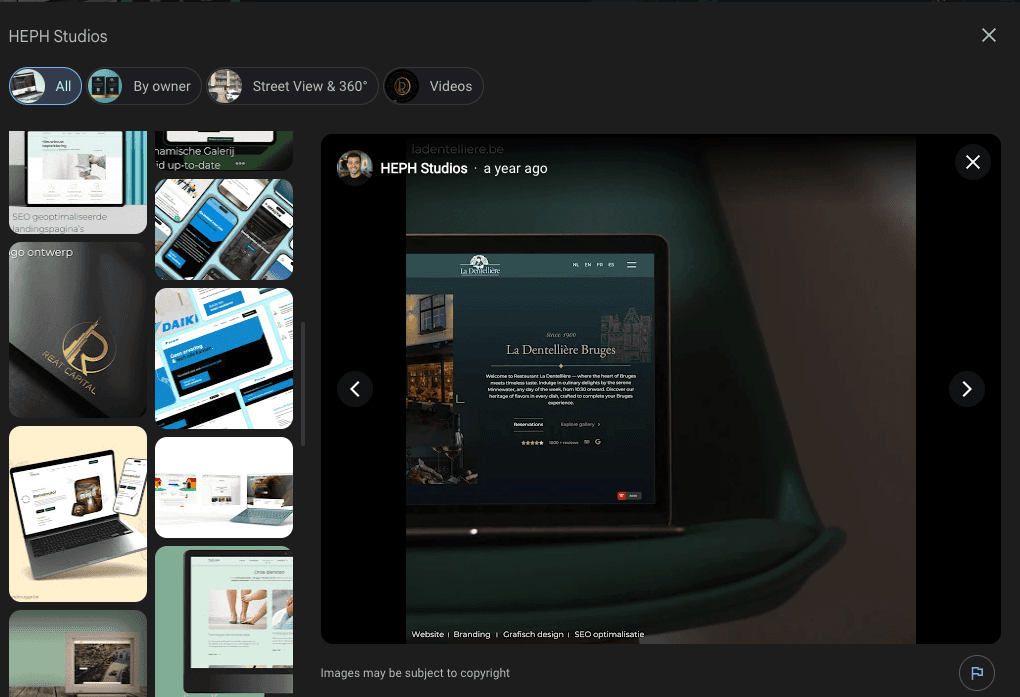
Step 9: Gather and manage reviews smartly
How to get reviews started
Ask for reviews at the right moment, just after a positive experience. Make it easy with a short link.
Respond to reviews
Respond to both positive and negative reviews. Short, professional, and human. This shows you are engaged.
Tip
Never ask for reviews in exchange for discounts or gifts. This is against the guidelines and can cause issues.
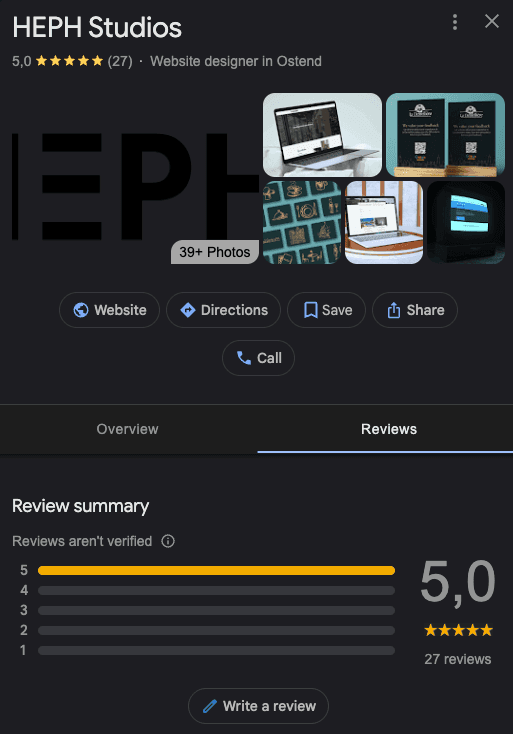
Step 10: Extra features often forgotten
Posts and updates
Occasionally post an update, an action, or news. This can improve your visibility and click behavior.
Questions and answers
You can add questions that customers often ask and answer them immediately. This works as a mini FAQ.
Messages
For some profiles, you can activate messaging. Handy if you want to respond quickly to questions.
Common mistakes to avoid
Creating duplicate profiles
Claim what exists first, before making a new one.Incorrect categories
Too broad or wrong categories cause you to appear in the wrong searches.Incomplete profiles
A half-filled profile looks less reliable. At least fill in name, category, hours, phone, website, photos.Changing too often
If you change things every day, Google may temporarily restrict your profile. Work calmly and reasonably.
Quick checklist to know if your profile is good
, Your profile is verified , Your main category is correct , Your name, address, and phone are consistent with your website , Your opening hours are correct, including holidays , You have at least five to ten recent photos , You get reviews and respond to them
Would you prefer to have this reviewed
Do you want to be sure that your Google Business Profile is reaching its full potential?
Then request a free and non-binding audit. We analyze your profile, show where you are already strong today, and where a few targeted optimizations can gain you additional visibility.
If you want to understand why this is so important for your findability, also read the first blog, Why a Google Business Profile is important for your business's digital findability.

Lasha Shubitidze
We build websites and webshops that work, strong in design, fast in use, and made to convert