In short
Speed Optimization: Ensure your website loads quickly to provide a pleasant experience for users.
Improve Security: Use HTTPS to ensure the safety of your site and gain visitors' trust.
Content Relevance: Provide clear, valuable answers to common questions from your target audience.
Build Trust: Utilize reliable sources, positive reviews, and a professional appearance.
Mobile Friendliness: Ensure your website works well on mobile devices, as an increasing number of users access the internet via mobile.
Keyword Usage: Incorporate relevant keywords naturally into the content without overdoing it.
Structure and Usability: Keep navigation intuitive and clear, with a precise structure for users and search engines.
Regular Maintenance: Update your content to remain relevant and resolve technical issues.
Remember that consistent improvements and attention to detail over time lead to better visibility in search results, which in turn fosters a lasting connection with your website visitors.
Scoring higher on Google sometimes feels like "something for specialists", but the basics are surprisingly clear. Google wants to show pages that load quickly, are safe, provide clear answers, and inspire trust.
This guide helps you make choices step by step that really count. No random tips, but a workable system with a checklist you can use for new pages and maintaining existing content.
What Google tries to reward
Google constantly tests which results people find useful. You'll notice signals like: do people click through, do they stay a while, do they find what they're looking for quickly, and do they not immediately return to search results? It's not magic, it's behavior.
For a local bakery's website, this often translates to three questions visitors subconsciously ask:
"Am I in the right place here?"
"Do I get an honest and clear picture?"
"Can I proceed smoothly without frustration?"
If your pages quickly answer these three questions, you already have a solid foundation.
Technical basics in order: fast, safe, and understandable
Technology is rarely the most fun part, but it is the part that prevents problems. A slow, cluttered site makes it harder for both Google and visitors. Additionally, people often search while on the go, such as on the way to work or while shopping: mobile counts extra.
Start with the fundamentals. These are checks that often deliver immediate benefits, even without writing new texts:
Fast load time on mobile
HTTPS and no "unsafe" warnings
One clear version of your domain (with or without www, consistently)
Correct indexing (important pages not accidentally on "noindex")
Internal links that logically redirect
Resolve or neatly redirect 404 pages (301)
A practical approach: choose one measurement tool (PageSpeed Insights or Pingdom) and repeat the same measurement after each change. That way, you know what really helps.
Core Web Vitals, without stress
Google looks at user experience through Core Web Vitals. You don't have to score perfectly on every point, but you want to avoid clear drawbacks: images too large, scripts too heavy, or a page that "jumps" during loading.
A quick fix that often works for local bakers: optimize photos. You have a lot of atmospheric images, so make them lighter (WebP), load them only when needed (lazy loading), and ensure dimensions are fixed so the layout doesn't shift.
Content that matches search intent
Someone typing "bakery nearby" doesn't just want pretty words. That person wants options, details, and trust. Google tries to gauge which page best offers that. This involves search intent: what does someone really want to do with that search query?
Think of three main types of pages:
Orientation: inspiration, regional products, "what makes this bakery unique".
Comparison: types of bread, pastries, gluten-free options, prices.
Action: opening hours, location, ordering, contact.
If you write pages that stay neatly within one intention, it becomes clearer. A page trying to be a blog, price list, and order form at once feels cluttered.
Common improvements involve structure. Put the most important info at the top, use clear subheadings, and quickly answer practical questions. This works well for visitors and makes it easier for Google to "read" your page.
Here are content elements that almost always help, provided you fill them in concretely:
Promise in the first paragraph: what does this page offer, for whom?
Details that really get chosen: assortment, ingredients, allergens, daily fresh products
Evidence: reviews, photos, frequently asked questions, certificates
Clear internal links: to popular products, ordering information, contact page
Keyword research that remains feasible
You don't have to make endless lists of keywords. Choose one main topic per page and a few variants. For a bakery, that might be: "bakery Antwerp", "order fresh bread", "gluten-free pastries", depending on what you offer.
Also, pay attention to language: in Belgium, people often search differently than in the Netherlands. Words like "bakery", "bread", "rolls", and "pastries" often perform better than terms that sound very Dutch.
Local visibility: being found on maps and in the region
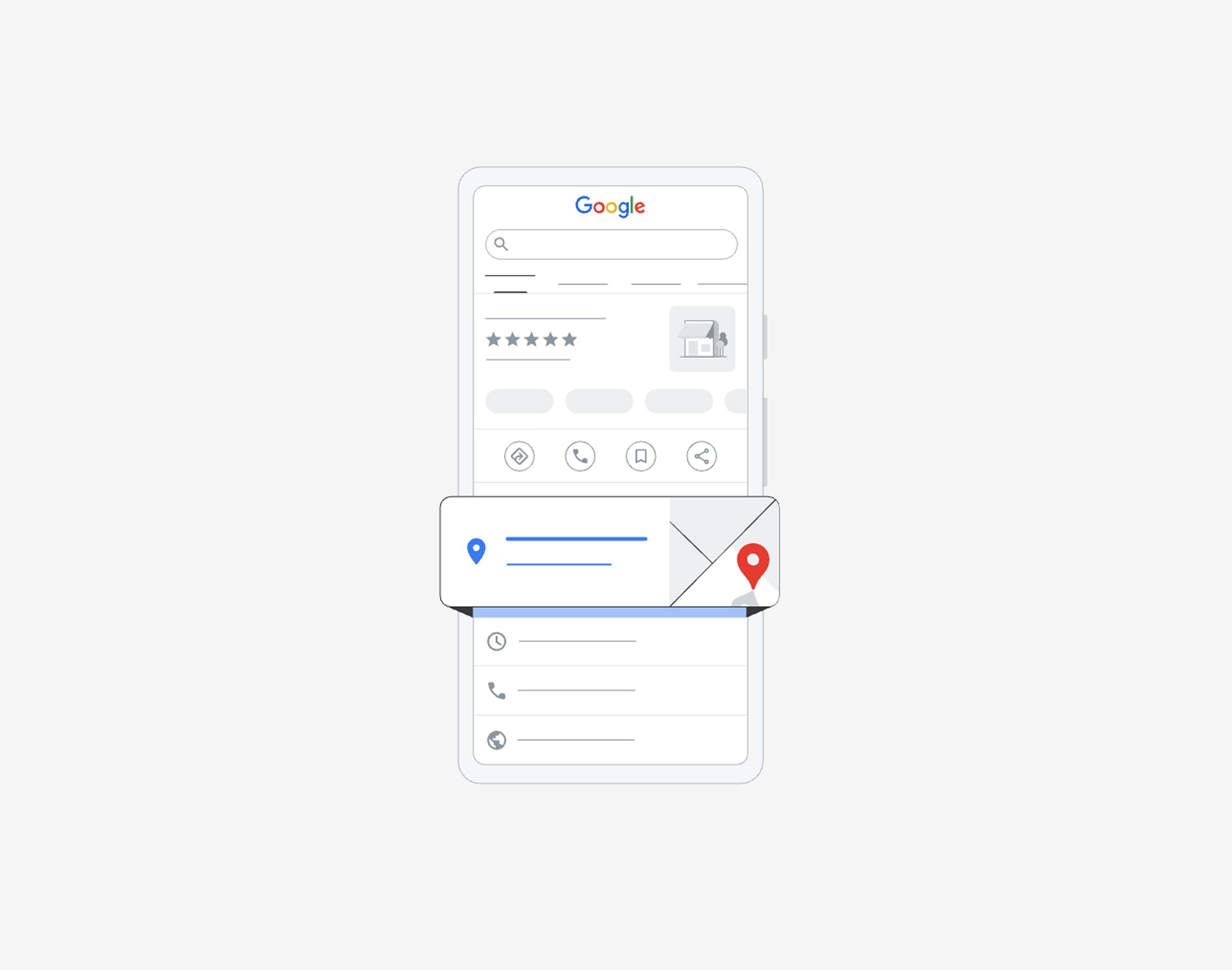
For local stores, local findability plays a significant role. People search by place name, neighborhood, or "nearby". Google combines your website with map results (Google Business Profile), reviews, and listings on other sites.
Making a few smart choices can make a big difference here. Make sure that your name, address, and phone number are written identically everywhere. Once "street" and elsewhere "str." may seem harmless but can create confusion for automatic systems.
Your pages can also be more local: create neighborhood pages that really help. Not just "About our bakery", but pages per district or neighborhood where your customers actually come from. Think of accessibility, parking options, busy times, special promotions.
A short checklist for local signals:
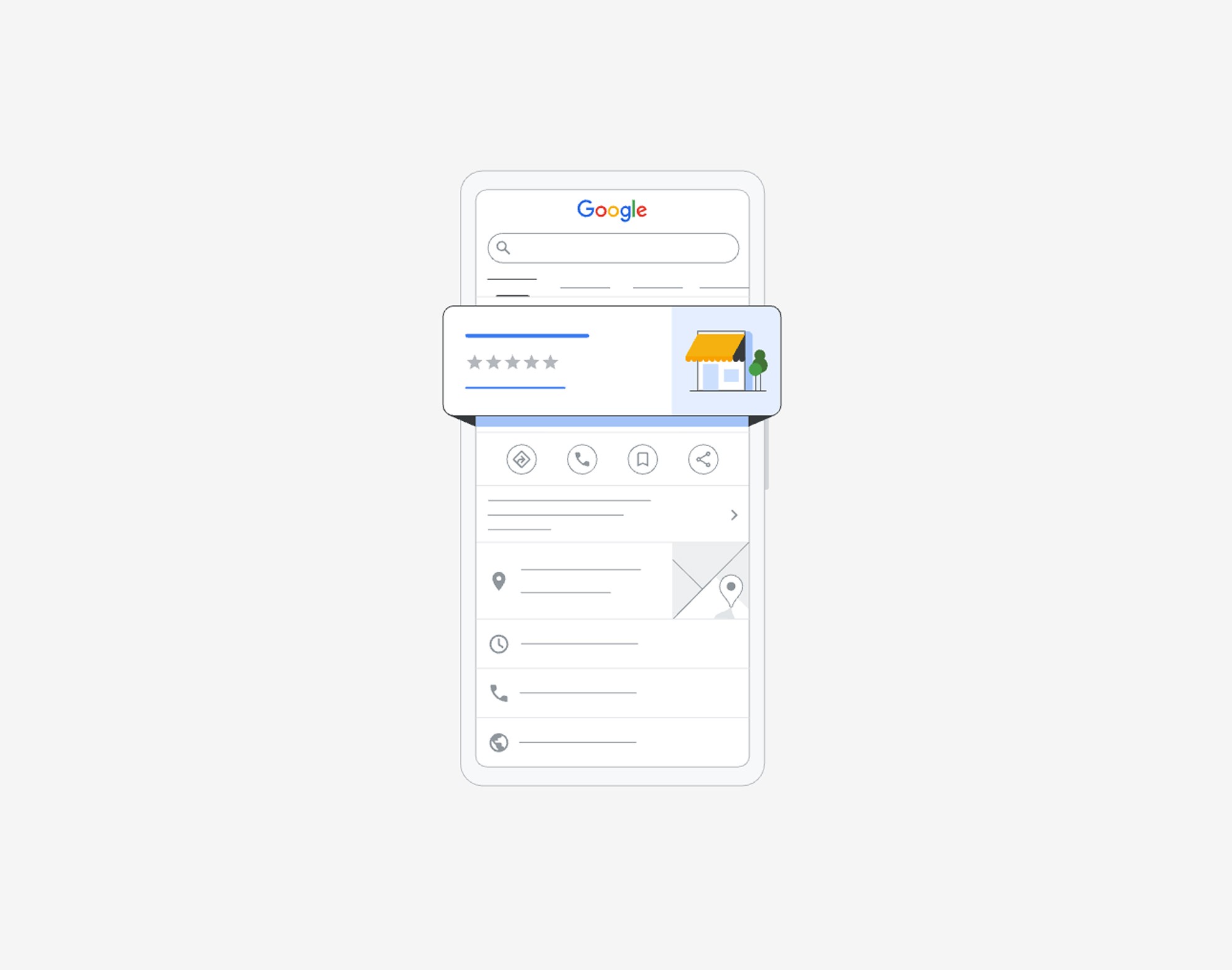
Google Business Profile: category, opening hours, correct link, recent photos
Reviews: regularly new, with content (not just stars)
Neighborhood pages: per district or zone, with practical info and internal links
Structured data: address and organization information on your site
Authority and links: building trust
Links remain a signal: if other relevant sites refer to you, Google sees that as a form of trust. Not every link is valuable. A handful of relevant references can do more than dozens of random ones.
For a local bakery, there are natural opportunities: local partners, neighborhood associations, events, press, and collaborations. It’s about visibility in places that match your offering.
Ideas that are usually safe and logical:
Mentioned in local traders' associations or neighborhood websites
Collaborations with local events or schools
Press page or news report with a renewal in the bakery
Partners linking to practical info (assortment, opening hours)
Be careful with paid link packages or "SEO directories" that have nothing to do with your region or sector. That quickly looks artificial.
A page that scores: layout that often works
If you want one template that you can repeat each time, keep it simple and human. A strong page usually has:
A clear title (H1) that states what it is.
An intro of 3 to 5 sentences that provides clarity immediately.
Subheadings with answers, not just ambiance.
Photos with descriptive alt text where useful.
Internal links to logical next steps.
And yes, sometimes one good paragraph is better than three vague ones.
Measuring, adjusting, and keeping up (without overhauling everything every week)
SEO is not "check off once". It's more like maintenance, as in a bakery: timely small interventions save a lot of work later. So choose a rhythm that remains feasible.
Work with a limited set of figures:
Organic traffic per page (Google Analytics)
Search queries and positions (Google Search Console)
Click-through rate from search results (Search Console)
Technical errors and indexing (Search Console)
If a page has many impressions but few clicks, the issue often lies with the title and meta description. If it gets clicks but little engagement, the issue often lies with content, speed, or clarity.
Quick wins: improving titles and snippets
The title in Google is your shop window. Avoid vague titles like "Welcome" or "Home". Make it concrete, human, and suitable for what you really offer.
An example of a better approach: mention the type of product, location, and a distinguishing detail, without overdoing it.
Checklist in table form (handy for your planning)
The following table can be used as a monthly check or as a delivery check for new pages.
Component | Check | Frequency |
|---|---|---|
Technology | Page loads smoothly on mobile (Core Web Vitals ok) | Monthly |
Technology | No 404s or incorrect redirects | Monthly |
Technology | Important pages indexable (no noindex) | Monthly |
Content | 1 page = 1 main topic, clear H1 and subheadings | With each new page |
Content | Practical info at the top (assortment, opening hours, location) | Quarterly |
Content | Photos optimized (WebP, correct dimensions) | Upon uploads |
Local | Google Business Profile up-to-date (hours, photos, link) | Monthly |
Local | Reviews followed and answered | Weekly/monthly |
Authority | New relevant mentions or partners | Quarterly |
Measuring | Search Console: risers/fallers in clicks and impressions | Monthly |
Mini-guide: tackling one page in 45 minutes
Choose one page that is important but not the best performing. Often, there lies the quickest growth. Open that page, open Search Console, and work in this order.
First, look at the search queries for which the page is already displayed. Those are free hints from Google. Only then do you rewrite text.
This step-by-step plan keeps it concrete:
Step 1: Check search queries: which terms show your page, and do they fit?
Step 2: Adjust title: make it more specific and attractive without empty claims
Step 3: Rewrite intro: say in 4 sentences what someone finds here
Step 4: Improve structure: 3 to 6 subheadings each with a clear answer
Step 5: Internal links: link to relevant products, order information, or neighborhood information
Step 6: Review images: lighten the heaviest images, alt text where meaningful
Tackling one page per week in this way often makes a noticeable difference in findability after a few months, without your team drowning in "SEO work".
Keyword research with free tools
Keyword research helps you understand what terms users enter when searching for services or products like yours. Luckily, you don't have to invest in expensive tools right away; there are good free options available that can provide useful insights.
Why keyword research?
Good keyword research provides insight into the words and phrases your potential customers are searching for. This allows you to better tailor your content to your audience's needs and increase your chances of ranking higher on Google.
Get started with a free tool
A popular free tool to start with is the Google Keyword Planner. This tool was originally created for Google Ads but can also be used excellently to discover keyword ideas and search volumes. To use the Keyword Planner, you must create a Google Ads account, but you don't need to run campaigns or incur costs.
Method
Make a list of seed words: Start with general terms related to your business, such as "vacation home on the sea", "vacation park Belgian coast", or "family vacation Belgium".
Use Google Keyword Planner:
Log in to Google Ads and go to the Keyword Planner.
Click on "Discover new keywords".
Enter your seed words and select the region, for example, Belgium, to view local searches.
Let the tool suggest ideas and note the search volumes and competition level.
Analyze and select: Choose keywords that are relevant for your business and not too competitive. Also, consider long-tail keywords; these phrases are longer but often more specific and less competitive, attracting visitors who know exactly what they want.
Integrate into your content: Use your chosen keywords strategically in your titles, meta descriptions, subheadings, and of course, in the text itself, without forcing it.
By conducting keyword research regularly, you can keep your SEO strategy up-to-date and continue to respond to changing search trends and customer needs.
With this approach, you take a strong step towards a higher Google ranking while also offering value and trust to your visitors. Remember, it's not just about searching for keywords but about creating a valuable connection with your visitors.
Common mistakes by local businesses (and how to avoid them)
Most SEO problems don't come from "too few tricks", but from lack of clarity. A visitor doesn't want to solve a puzzle.
A few classics:
Pages that are too generic trying to rank for everything at once.
A lot of text, little answer (nice sentences, little info).
Photos that are beautiful but slow down the site.
Inconvenient mobile experience for orders or prices.
Outdated information about the assortment or opening hours, which costs trust.
If there's one principle to remember: make it easy for the visitor to choose. Google often follows the same path.
FAQs that make your site stronger
A good FAQ isn't filler. It's a place where you remove doubts. That helps visitors, and it often captures extra search queries too.
Think of questions you often see at the counter or via email: allergens, opening hours, reservations, payment options, gluten-free options, where to park, what to do for large orders.
Keep answers short, honest, and up-to-date. And place them on the page where they logically belong, not just on one central "FAQ page".
A strong Google score is rarely the result of one big measure. It's the sum of small, careful improvements: technology that doesn't get in the way, pages that clearly answer, and local signals that are accurate. This also fits how a good bakery operates: attention to details, at set times, with a focus on the customer.
Is this overwhelming? No worries. We are happy to look along with you without obligation and give you honest advice about your website. You focus on your business, we focus on optimization. Feel free to contact us.

Lasha Shubitidze
We build websites and webshops that work, strong in design, fast in use, and made to convert